Introduction
This page defines the configuration settings related to the General tab.
Settings
The following is an illustration of this page/tab:
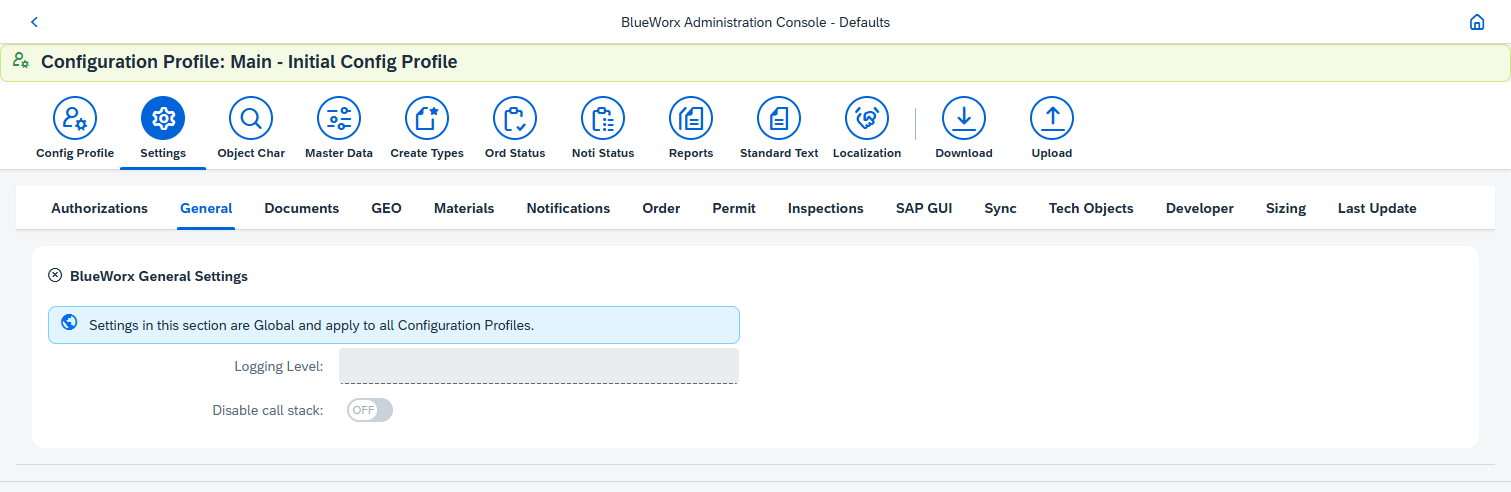
The following are the field settings on this tab:
| Field | Description/ Usage | Recommendation |
|---|---|---|
| Logging Level | This control is used in relation to the logging of ABAP application messages for the applications. It is used for managing the logging level for for BlueWorx ("/SOLTIUS/PM") applications. The logging level options are:
| It is recommended to use the Warnings level. |
| Disable call stack | This control is used in relation to the logging of ABAP application messages for the applications. When switched on, the log entries no longer show the associated call stack details. | Keeping this switch off will show more detail as to where the message originated from in the ABAP code. |
Was this article helpful?
That’s Great!
Thank you for your feedback
Sorry! We couldn't be helpful
Thank you for your feedback
Feedback sent
We appreciate your effort and will try to fix the article